Private personal computing

Your family's private computer for everyday life.

AI, apps and your digital life, running in your home on hardware you control. No ads, no data selling, and nothing stored in the cloud.

No spam. A few updates a year, and an invite when the demo is ready.

  • Private by designEverything stays on a computer in your home.
  • Local AIMyira runs on the box, next to your data.
  • You decideThe box is yours, and so are the rules.
The way computing works today

Your digital life shouldn't have to live somewhere else.

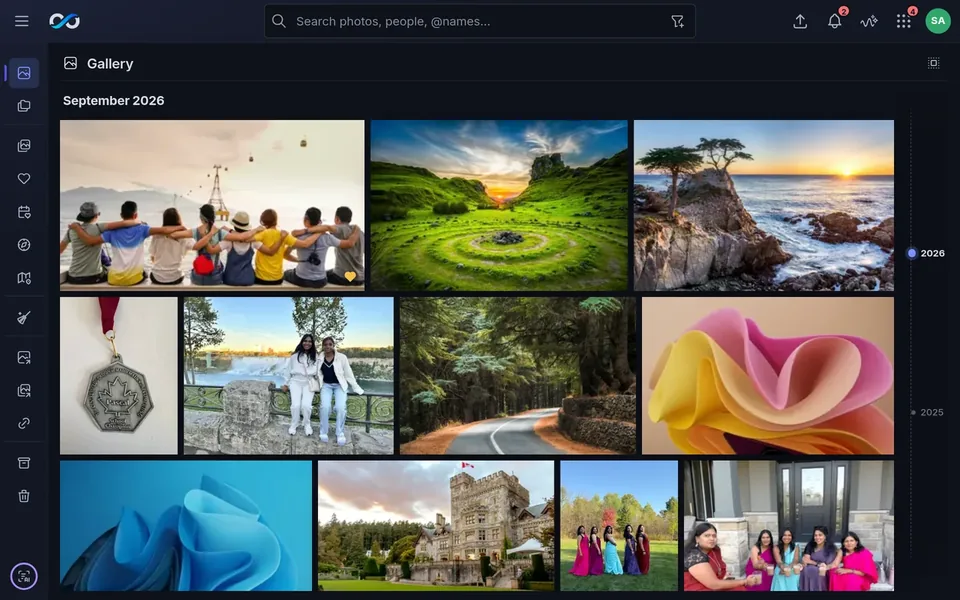
Most of our photos, documents, messages and plans now sit on computers we don't own. Now AI services want to read them too. ZOOMRIYA brings them back home.

Today

Your life → their cloud.

Phone → internet → someone else's computers

Their servers, their rules. Your data can be used for ads or AI training, and the terms can change.

ZOOMRIYA

Your life → your home.

Phone → your ZOOMRIYA Box, at home

Your photos, documents, messages and AI stay on a computer you own.

We build the software. You keep the data.

Meet ZOOMRIYA

One private computer for the whole family.

It lives in your home, runs your family's apps and Myira, keeps your data close, and connects your devices securely. It isn't another cloud account.

You and your family
ZOOMRIYA appsWhat you use every day
MyiraYour private AI
ZOOMRIYA OSRuns everything underneath
ZOOMRIYA BoxYour family's private computer
In your home
ZOOMRIYA ConnectYour devices reach your Box securely, from anywhere

It all works together, without you managing it.

Day to day, you use the apps and Myira.

Underneath, ZOOMRIYA OS runs them, keeps them apart, and takes care of storage, security, updates and connections.

Privacy

Privacy comes from where your data lives.

The safest place for your personal data is a computer you control. So instead of adding privacy on top of the cloud, ZOOMRIYA keeps your computing at home.

Local by default

Apps and data, at home.

  • Photos, documents, messages and plans stay at home
  • Works on your home network, even with the internet off

Local AI

AI where your data lives.

  • Myira and every app's AI run on the box, offline
  • Your data is never sent to an AI service

App isolation

Only what each app needs.

  • Each app runs on its own, kept apart from the others
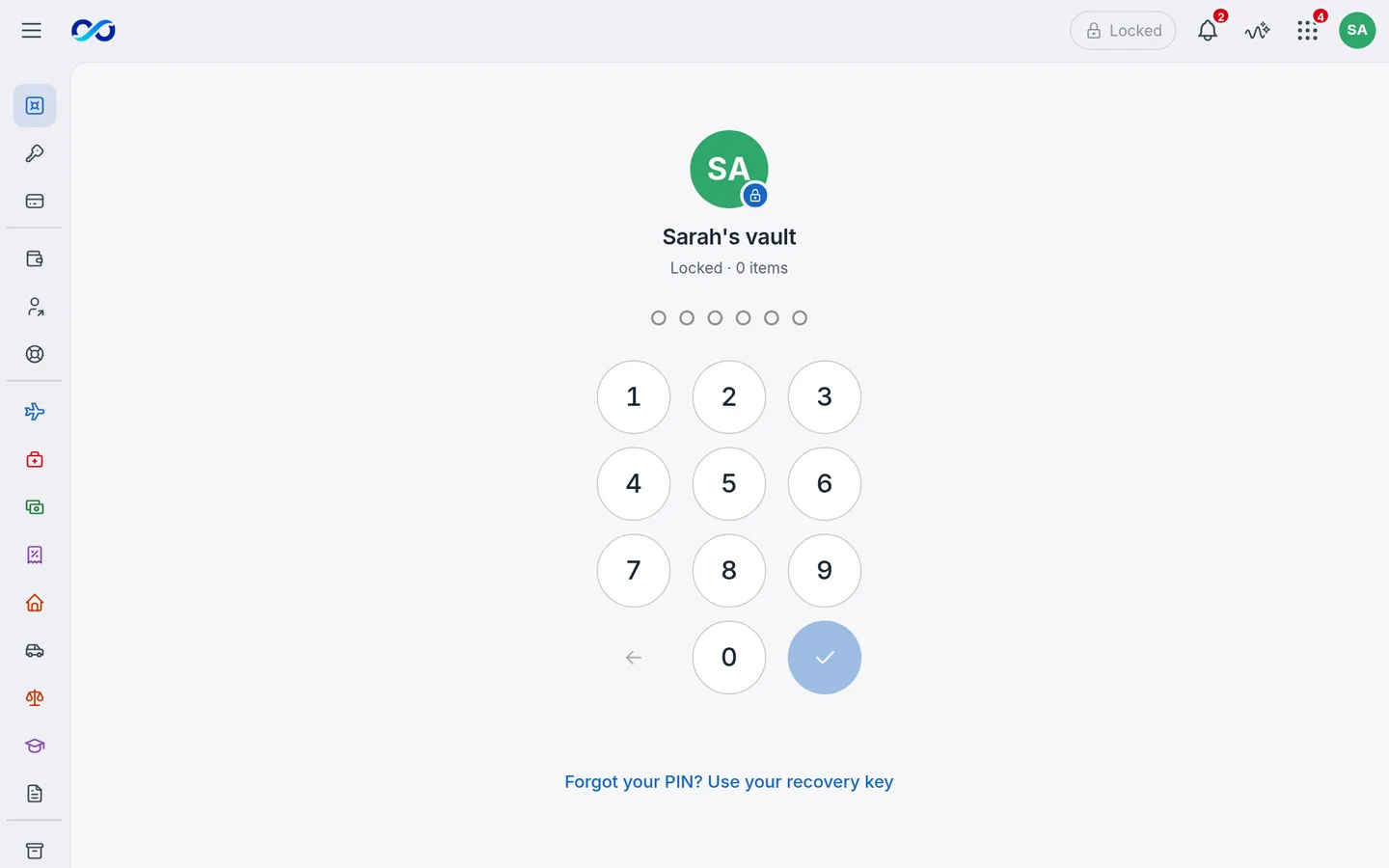
  • Family Vault gives every file its own key, behind your PIN

Encrypted connections

Encrypted wherever you go.

  • End-to-end encrypted between your phone and your box
  • Direct when it can; a relay passes on bytes it can't read

What we won't do

  • We don't sell your personal data.Not to advertisers, not to anyone.
  • We don't build an ad profile of your family.Your family isn't the product.
  • We don't keep your data on our servers.It lives on your Box, at home.
  • We don't pass your data through our servers when a direct path works.When a network blocks it, our relay carries encrypted data it can't read.
Your data, wherever you are

Your data has a home. Reach it from anywhere.

At home, your devices talk to your Box directly. Away, ZOOMRIYA Connect gives you an encrypted connection back to it.

Your home Wi-Fi ZOOMRIYA Box ZOOMRIYA Connect relayCan't read what it passes Your Cloudflare TunnelSees which name, when, how much The internet Away from home Sharing with guests One album, read-only

At home

  1. 1Your phone and laptop find the box on your home Wi-Fi.
  2. 2They talk straight to it. Nothing leaves your home.
  3. 3Internet down? Everything keeps working at home.
  • Direct, end-to-end encrypted
  • Through the relay, still encrypted
  • Finding the box
  • A guest's link
  • Through your Cloudflare Tunnel, sealed

Prefer not to use our servers? Run your own ZOOMRIYA Connect server, or use your Cloudflare Tunnel. Four ways to reach your box

If the internet goes down, nothing stops at home.Your apps, your data and Myira keep working.

Meet Myira

Your private AI.

Myira is the AI built into ZOOMRIYA. She helps you find, understand and organize what you keep on your Box. She runs on the box too, so what you share with her never trains someone else's AI.

An AI that knows your world without owning it.

Choose how Myira looks The same Myira, in the look that feels right to your family. Planned
  • Finds anything you keep by what's in it
  • Plans meals, lists and the week with you
  • Runs on the box, never online
  • Says when she doesn't know
Your digital life, together

One private computer. Many things you do every day.

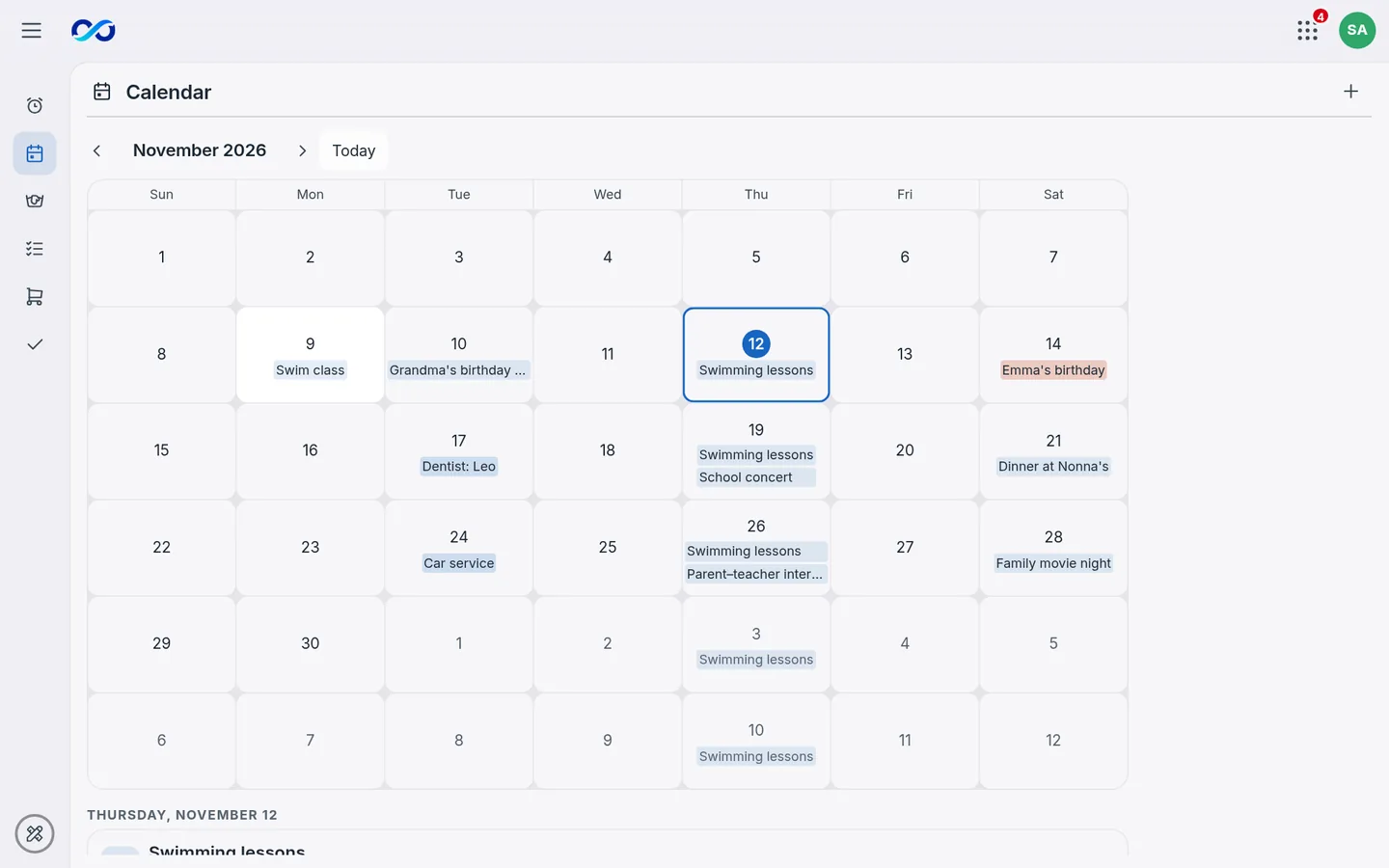
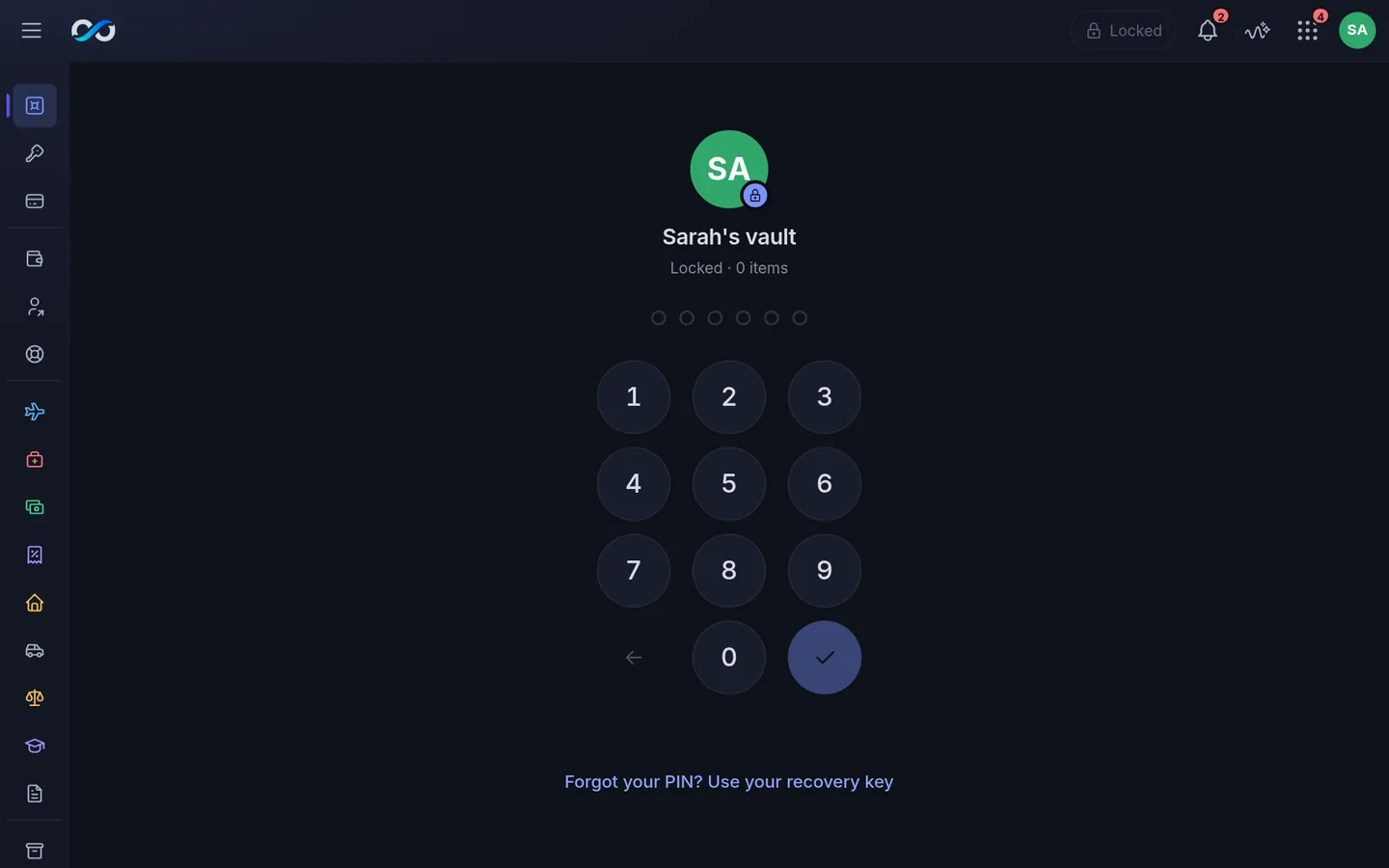
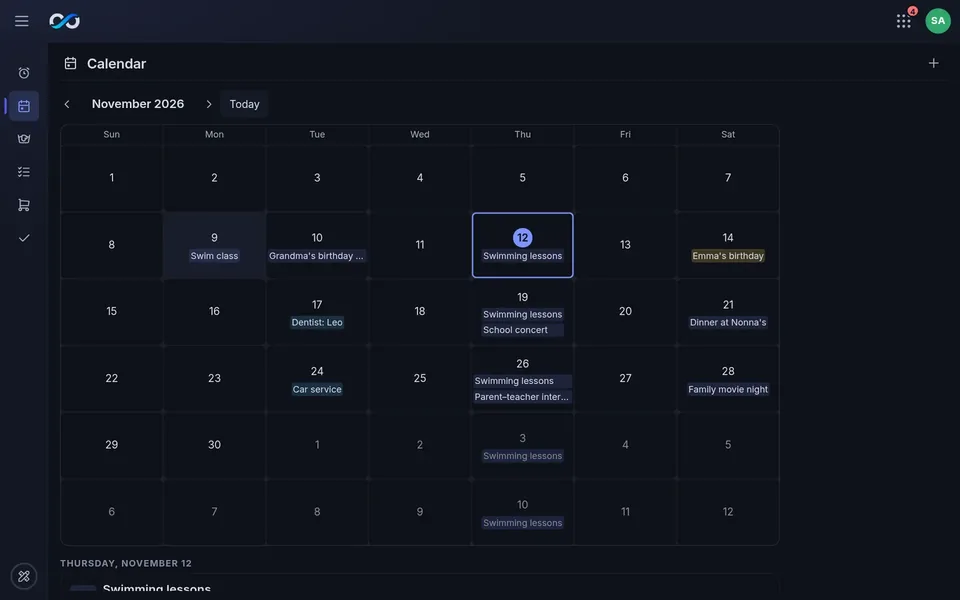
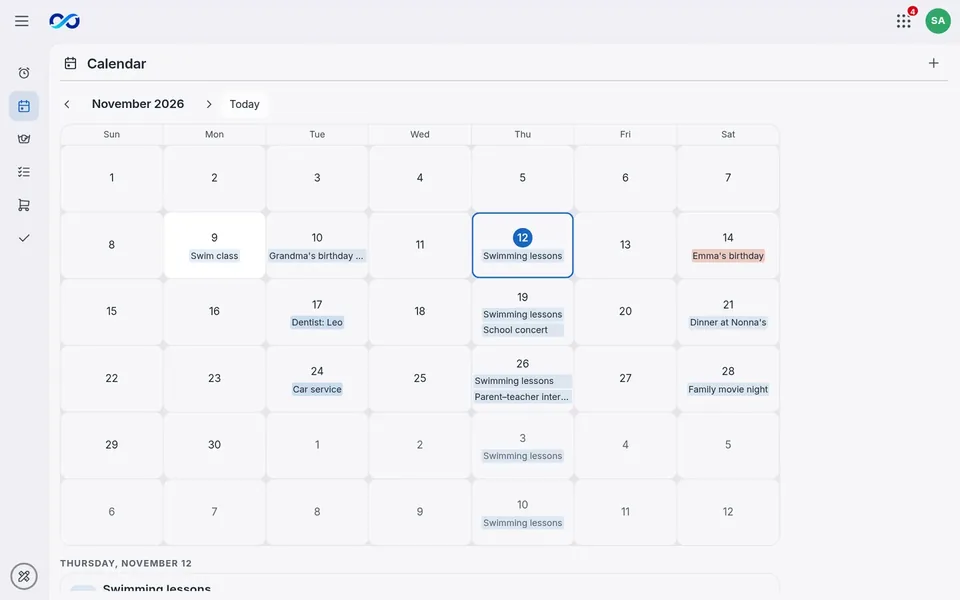
One sign-in for every app, for everyone in the family.

These aren't separate cloud accounts. They're apps running on your own computer.
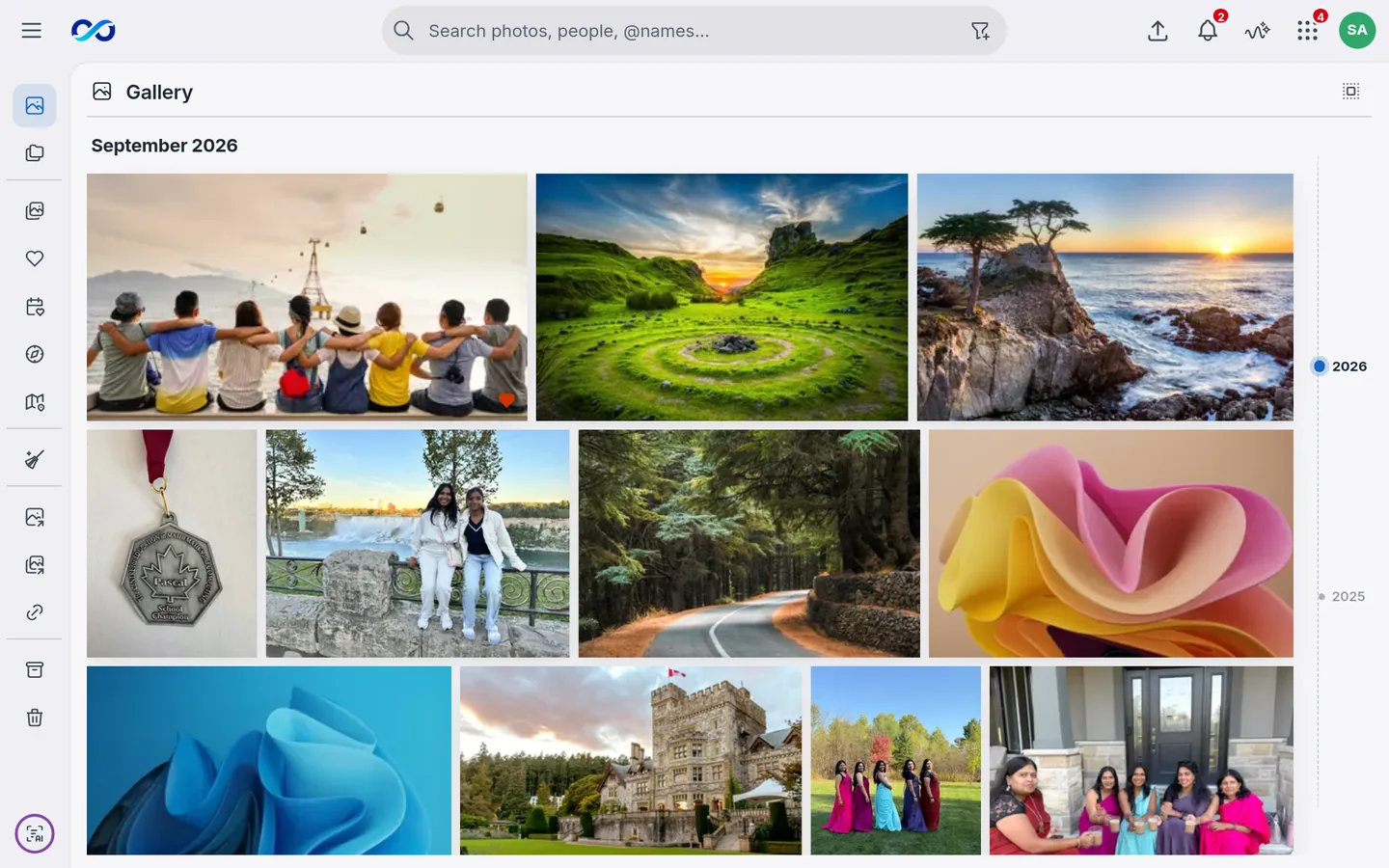
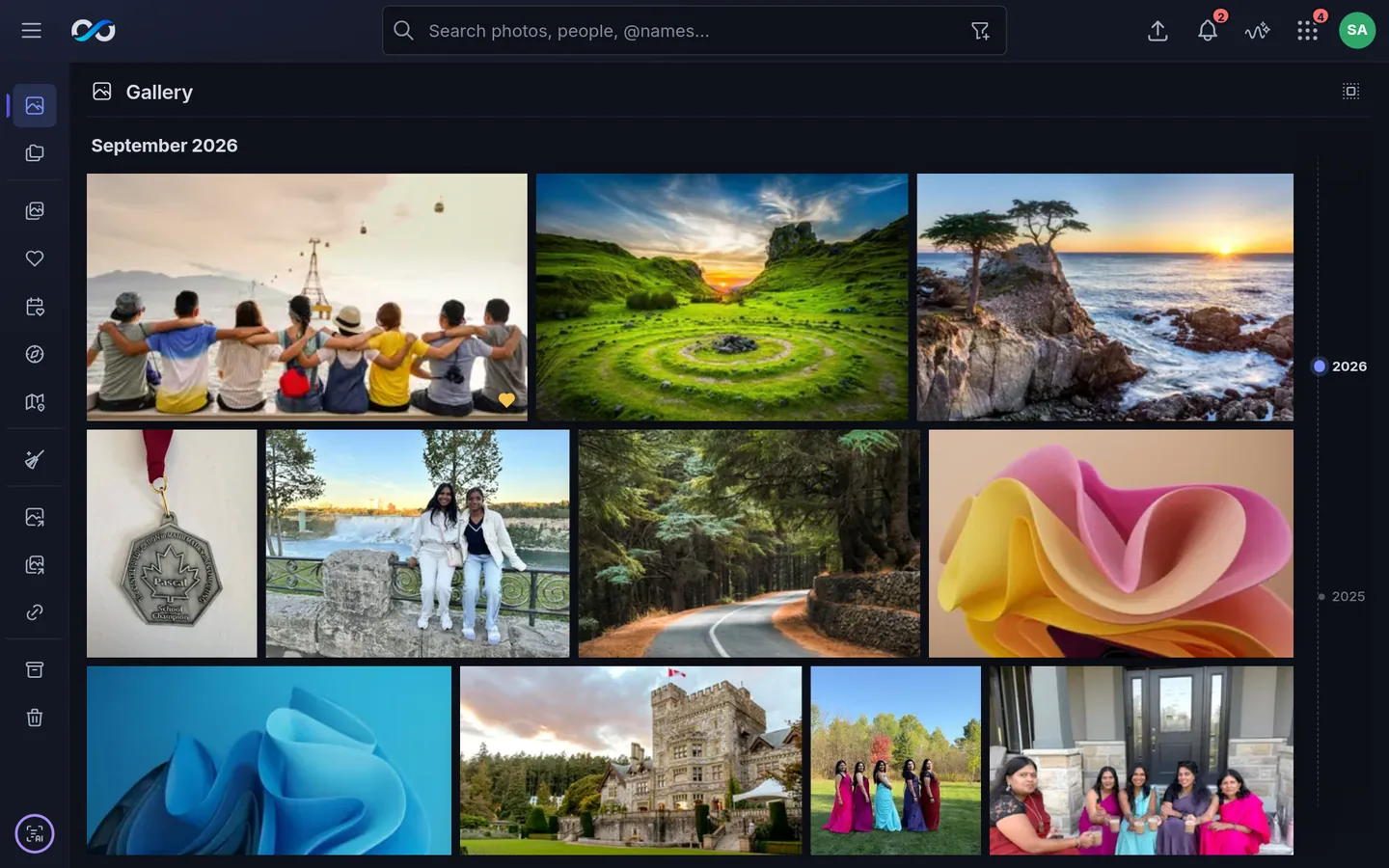
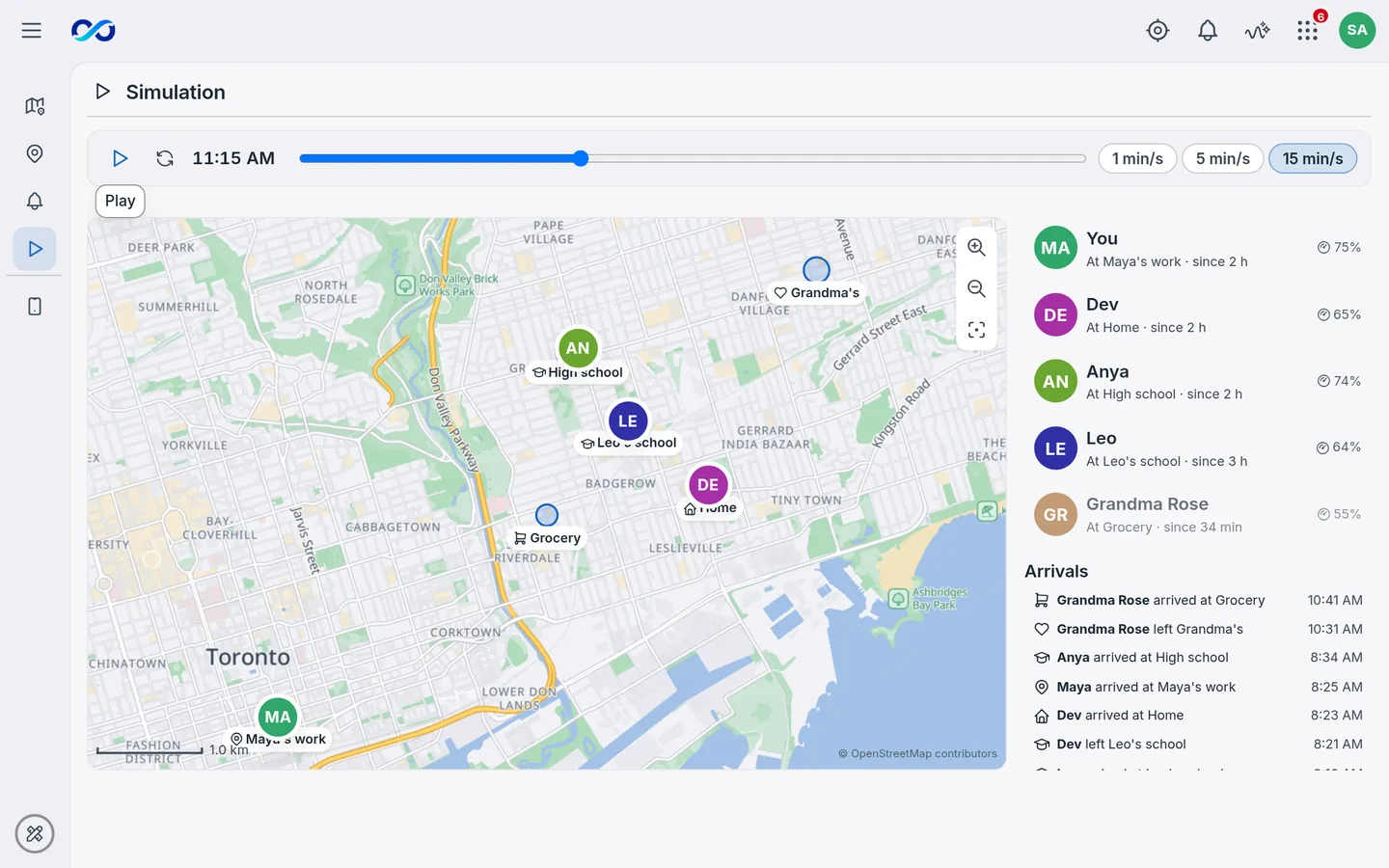
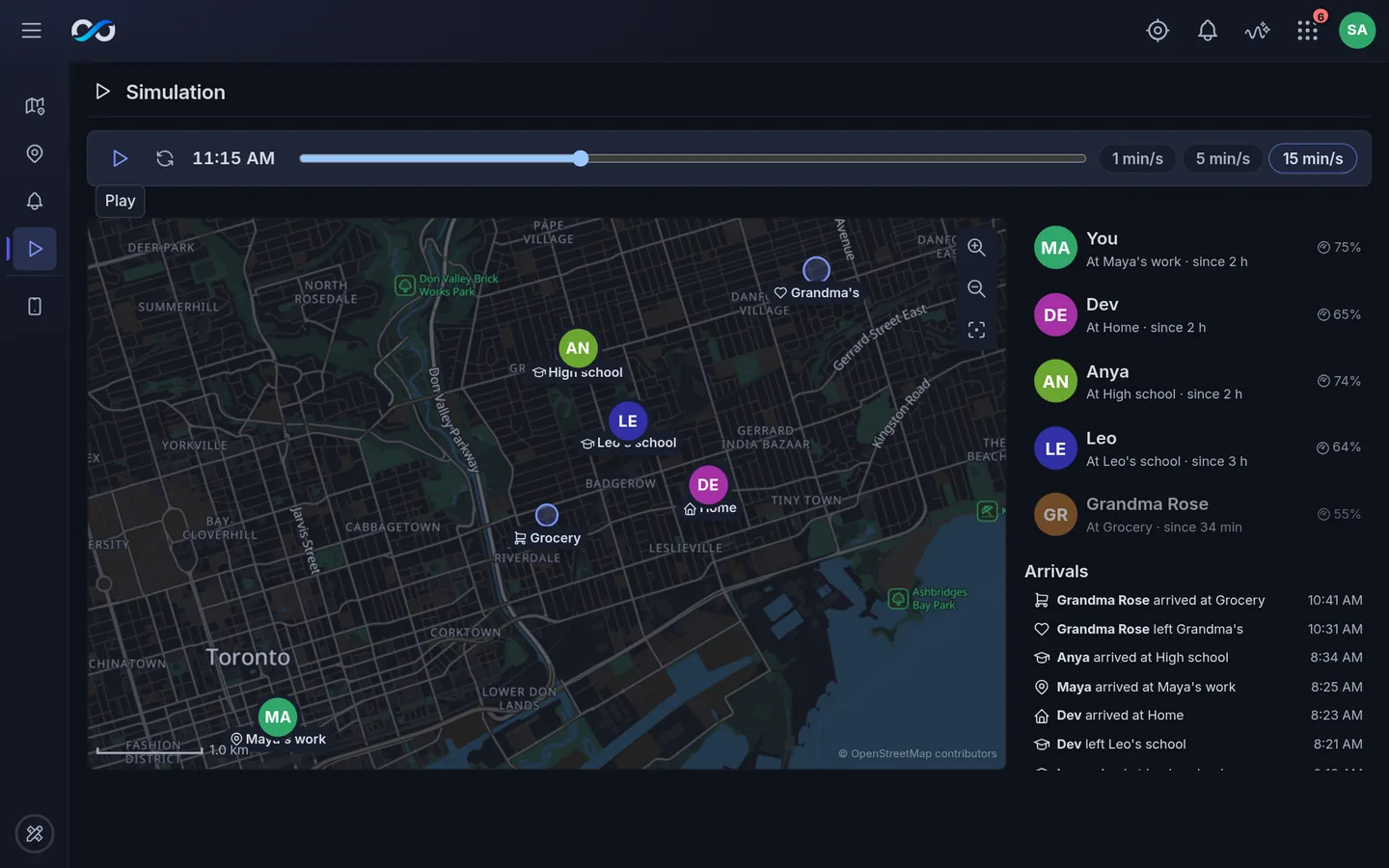
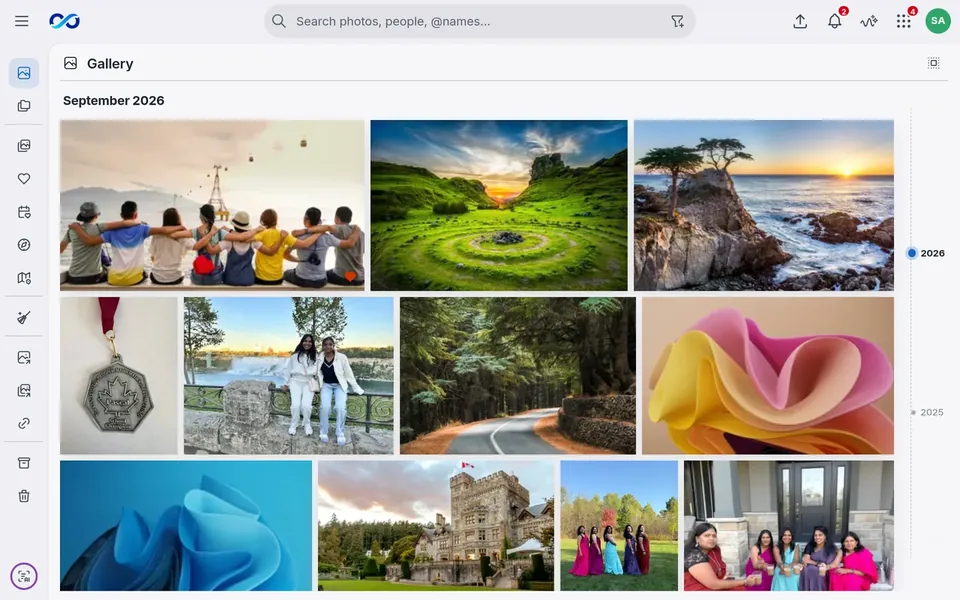
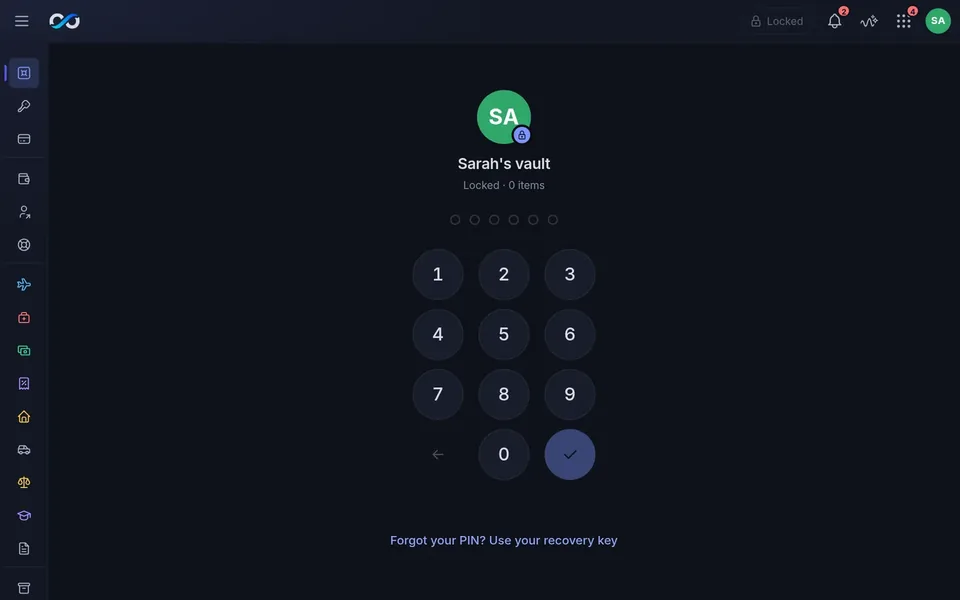
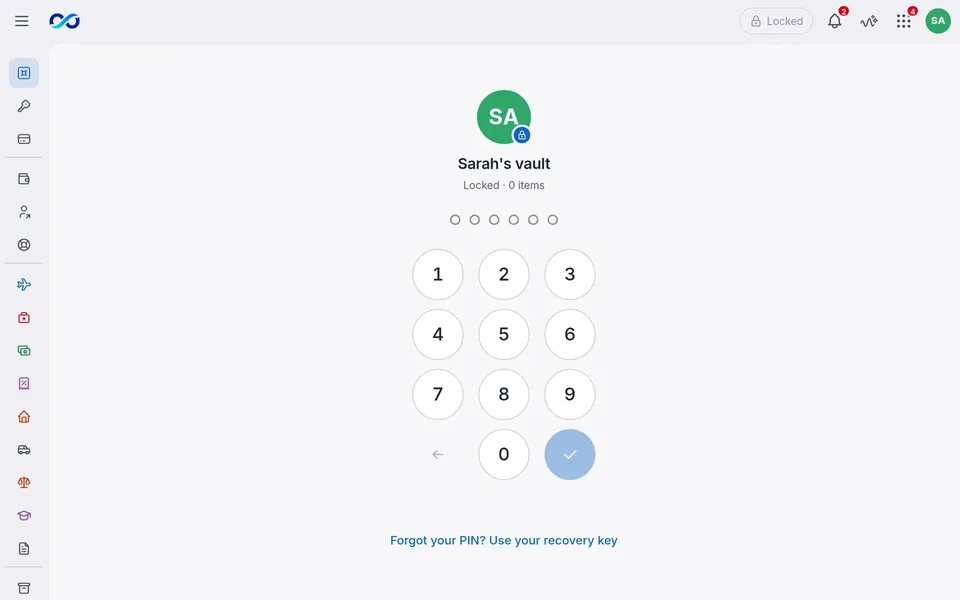
The Family Photos galleryThe Family Photos gallery
Designed, not built

Family Inbox

A private, read-only view of your own mail, calendars and drive files, with suggestions you approve.

In development

ZOOMRIYA Connect

The planned way to reach your box when you're away. It helps your devices find home; if a relay is needed, it only passes encrypted traffic.

Pick the apps you want

Add, update or remove apps in Box Desktop. If you remove one, choose whether to keep its data.

For now, App Center installs ZOOMRIYA apps from a USB stick. Custom and third-party apps aren't supported yet.

Don't take our word for it

Privacy you can check.

Privacy shouldn't depend on a company's promise. Here are four ways to see for yourself.

  1. 1 Unplug the internet Pull the cable from your router. Your apps and Myira keep working at home over Wi-Fi.
  2. 2 Ask your iPhone App Privacy Report lists everywhere an app connects. ZOOMRIYA will show only your box and ZOOMRIYA Connect.
  3. 3 See every connection Box Desktop lists each connection the box makes outside your home, and why. Switch off the ones you don't want. Planned
  4. 4 Read the code ZOOMRIYA OS, ZOOMRIYA Connect and ZOOMRIYA ID are open source, for anyone to check. ZOOMRIYA OSZOOMRIYA ConnectZOOMRIYA ID

More technical details

ZOOMRIYA OS

The private hub behind everything.

ZOOMRIYA OS runs on your Box and quietly looks after your apps, storage, AI, security and connections, so you don't have to.

Runs your apps

Add the apps you want from App Center. Nothing you didn't ask for.

Keeps apps apart

Each app runs on its own, with access only to what it needs.

Looks after itself

Security fixes install on their own, and an update that goes wrong rolls back.

Cares for your storage

Checks its drives and space by itself, and tells you in plain words.

Powers Myira

Runs the AI on the box, offline, close to your data.

Connects your devices

On your home network, and through ZOOMRIYA Connect when you're away.

ZOOMRIYA Box

Your family's computer. In your home.

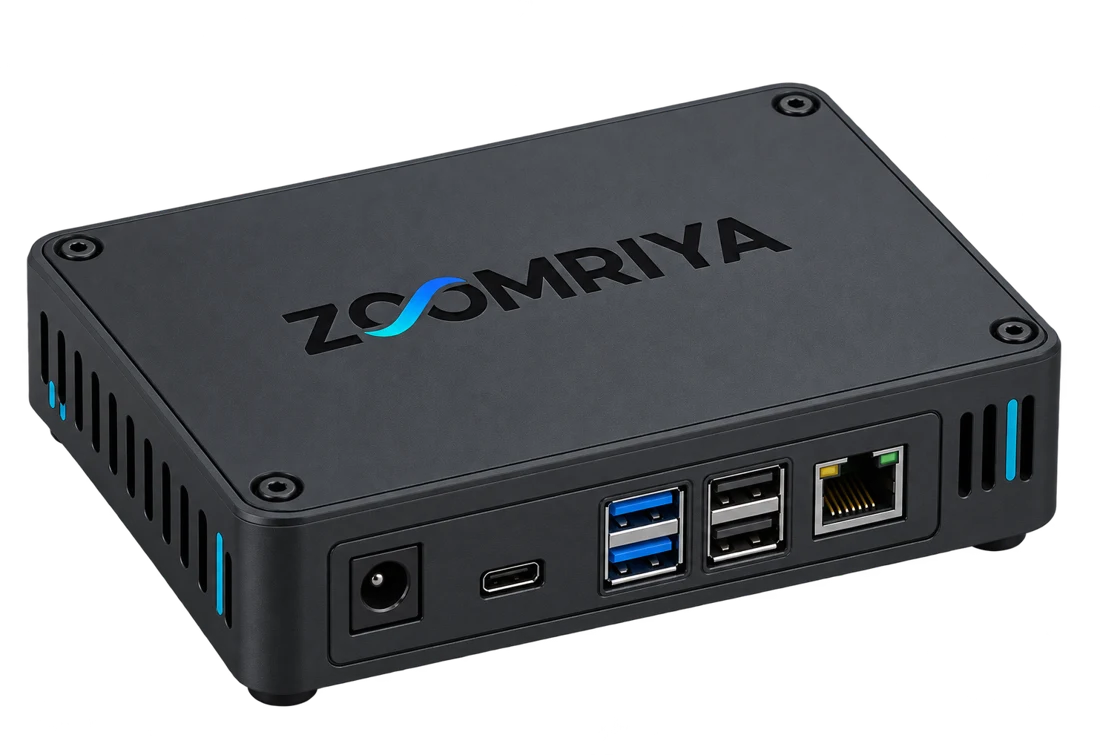
A small, quiet computer that sits by your router. It runs ZOOMRIYA OS, keeps your data, and powers your apps and Myira.
  1. No server roomQuiet and low-power, made for everyday homes.
  2. No complicated administrationIt sets itself up and looks after itself.
  3. No dependence on someone else's computerYour digital life runs on hardware you own.
The ZOOMRIYA Box: a compact grey home computer with USB ports on the front
Quiet and low-powerMade to run all day by your router
AI engineOn-box AI, fully offline
16 GB RAMTwo M.2 NVMe slots
QR setupFactory-reset button

Set up in minutes

  1. 1Plug in the boxConnect it to power and your router. It sets itself up and shows a QR code.
  2. 2Scan the QR on each phoneOne scan pairs a phone with the box. Each family member gets their own sign-in.
  3. 3That's itYour family's apps are ready on every phone and computer in the house.
Main product

ZOOMRIYA Box

Hardware, setup and everything for the first year, paid once. Security fixes are always free.

Optional

Yearly plan

Optional, after the first year. New features, support, and a fallback route for networks that block direct connections.

Prices will be announced to the waitlist before preorders open.

Your files go into the ZOOMRIYA Box at home. It checks its drives (1), keeps the same files on two drives (2), and copies the original files to a drive plugged into it (3).
Keeping your data safe

Drives fail. Here's how your files stay safe.

The box watches its drives, can keep your files on two of them, and copies them to a backup drive when you ask. If something needs your attention, it tells you.

  1. Drive health checksSpots a failing drive early and tells you in plain words.
  2. Two drives, one mirror PlannedKeeps a second copy of your files on another drive, so they're still available if one fails.
  3. Backups you control In developmentCopies your original files to a drive you own, as plain files you can open on any computer. Back up anytime or every night.

A mirror isn't a backup. It keeps your files safe if a drive fails, but it copies every change at once, so a mistake reaches both drives. A backup is a separate copy on a drive you own, out of reach between backups.

Built in Canada

Building a different kind of personal computing.

ZOOMRIYA Inc. is a Canadian company. We're building one system that brings local AI, secure connections and everyday apps together, made for families rather than IT departments.

  • Designed and developed in Canada
  • Built for families
  • Made for the world

The cloud doesn't have to be the centre of your digital life.

  • A computer in your home.
  • AI that runs offline.
  • Apps kept apart from each other.
  • Data no one else can sell.

ZOOMRIYA Private personal computing.

Roadmap

Where we are, and what's next

We're a small team building this one step at a time. Here's the plan.

  1. Now Development in progress We're building the ZOOMRIYA Box, OS and family apps.
  2. Spring 2027 The full ZOOMRIYA demo A full walkthrough of the ZOOMRIYA Box, ZOOMRIYA OS, Myira and the family apps.
  3. Summer 2027 Beta release Every app shown in the demo, on the first ZOOMRIYA Boxes, in families' homes.
  4. Early 2028 More apps and features Added over time, shaped by what beta families tell us.

Dates are estimates and will move as we learn. Waitlist members hear about changes first.

FAQ

Questions families ask

Can ZOOMRIYA, the company, see my data?

No. Everything is stored on your box at home, not on our servers. ZOOMRIYA Connect, which helps your phone find your box when you're away, only passes along encrypted traffic it can't read.

Do I need to be technical?

No. Plug in the ZOOMRIYA Box and scan a QR code on each phone.

Do you send my data to AI companies?

No. Myira, photo search and face grouping run on your box, offline. Your photos, documents and messages are never sent to an AI service.

What if I delete something by mistake?

Deleted files wait 30 days in Trash, so you can bring them back. After that they leave the box, and if you back up, your backup drive keeps them another 30 days.

Is there a monthly fee?

No. The box is paid once, and the first year includes everything. After that, your box keeps working at home and away, and security fixes stay free. An optional yearly plan adds new features, support, and a fallback route for the few networks that block direct connections.

Your family's private computer is coming home.

Join the waitlist for the full ZOOMRIYA demo in spring 2027.